
1. Measure below the surface
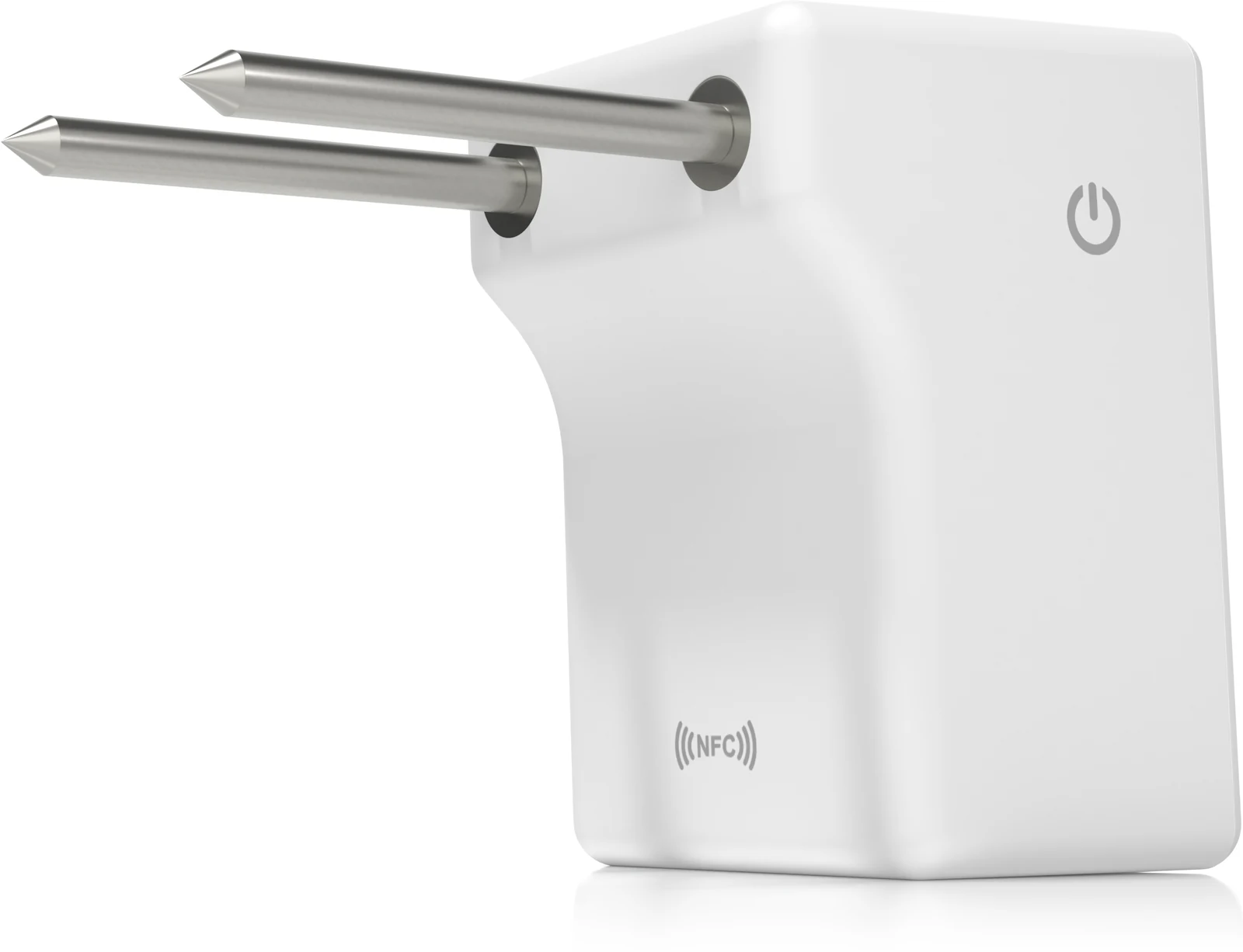
Measure moisture, EC and temperature at the installed probe depth.
The Hydrosight solution
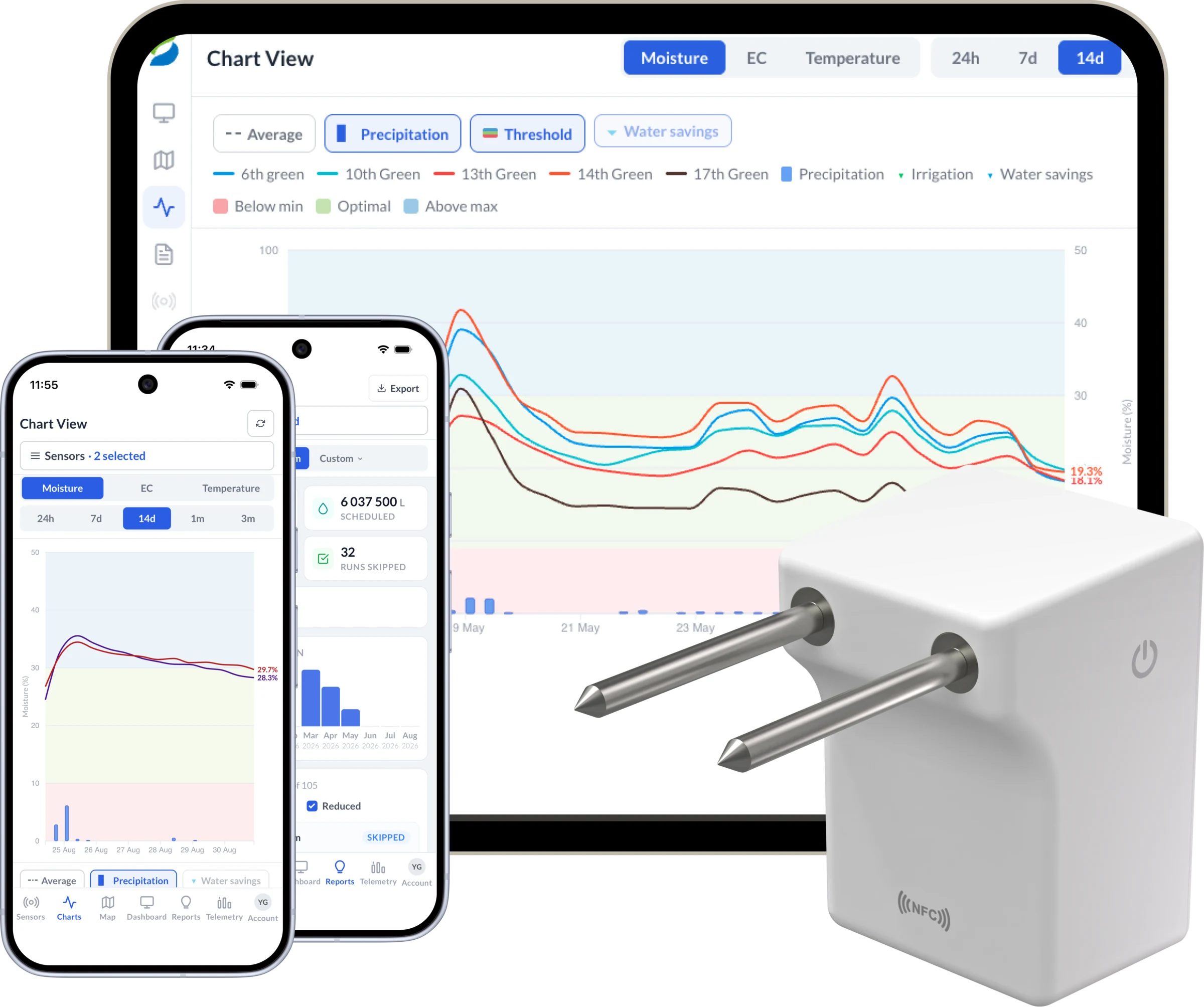
The sensor captures what is happening at root depth. The Portal and mobile apps make those readings visible and useful, while selected integrations and the Hydrosight API connect that evidence to existing workflows.
One connected flow
The sensor supplies field evidence. The Hydrosight platform turns it into information teams can compare, share and connect to configured workflows.
Measure moisture, EC and temperature at the installed probe depth.
Report directly through NB-IoT/LTE-M 4G with extended coverage, without a site gateway or Wi-Fi.
Use Portal and mobile maps, charts, area comparisons and configured threshold alerts.
Link soil evidence with supported irrigation, weather and API integrations.
Portal visibility
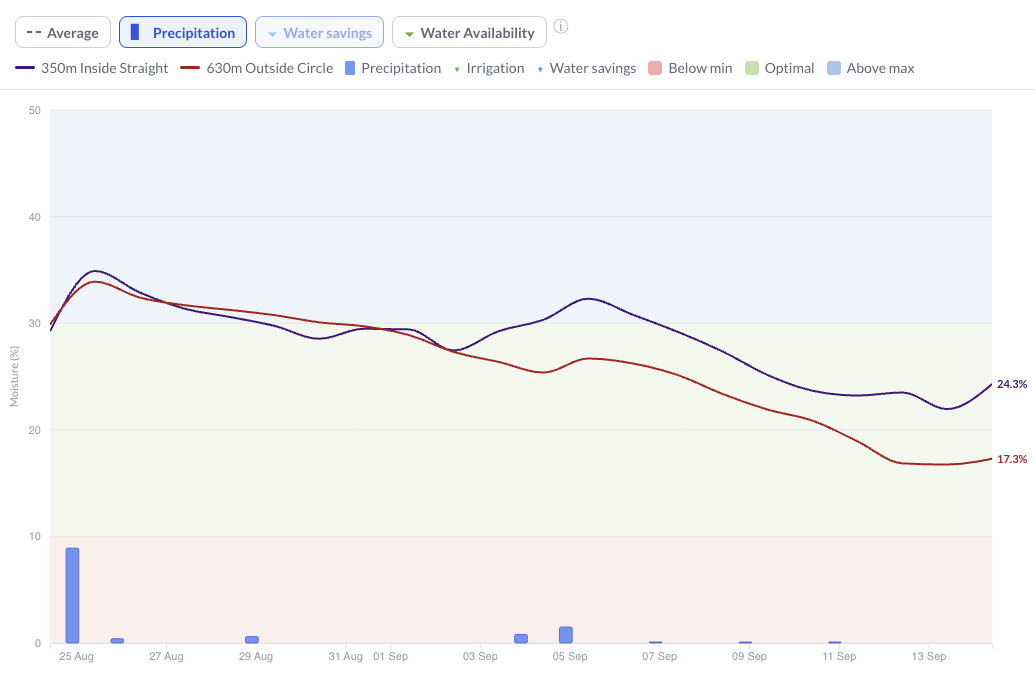
Use maps and charts to compare selected areas across locations, review current moisture, EC and temperature values, and follow how conditions changed between inspections.
Mobile apps in the field
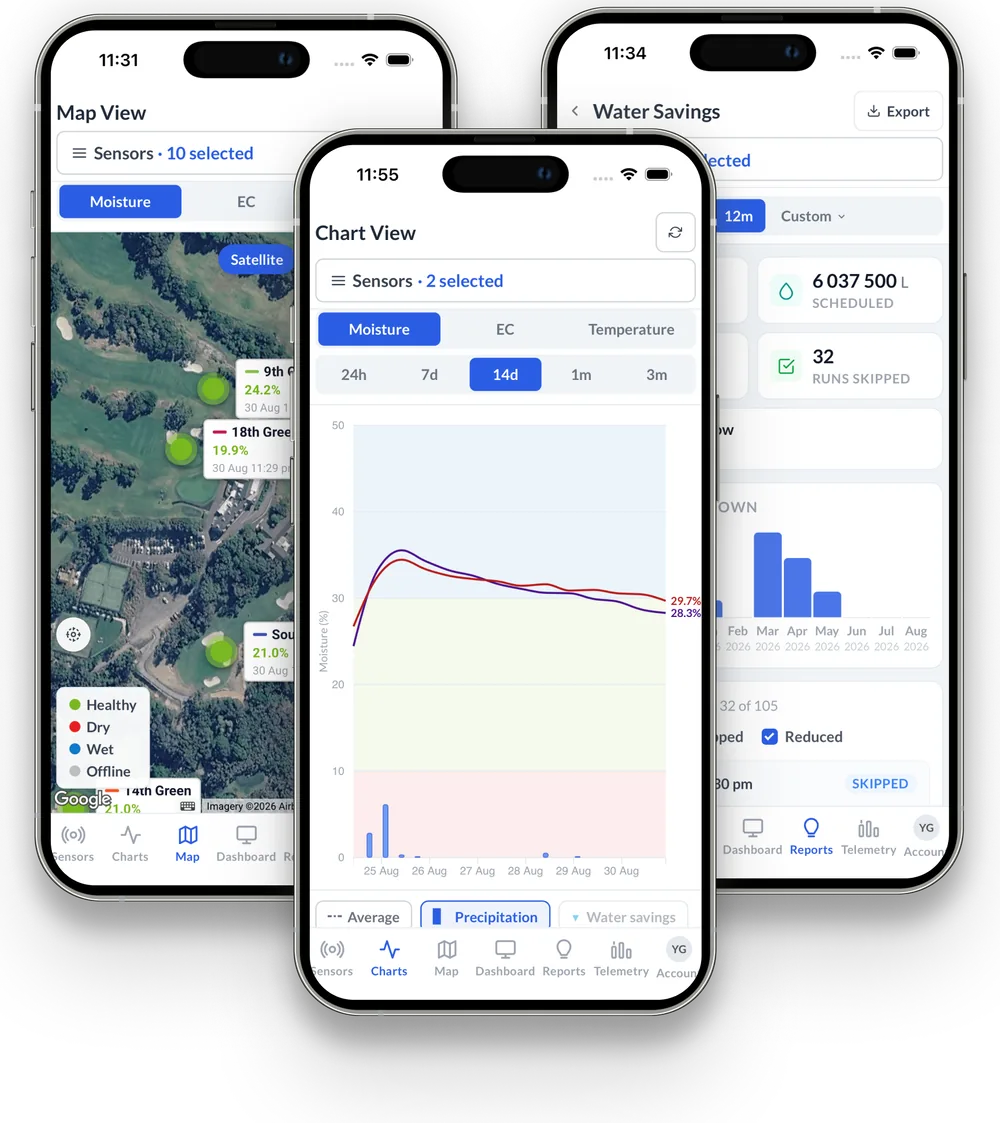
Use the companion mobile apps to view maps, readings, charts, alerts and reports while moving around the site. Available views and irrigation records depend on the customer's configuration and connected systems.
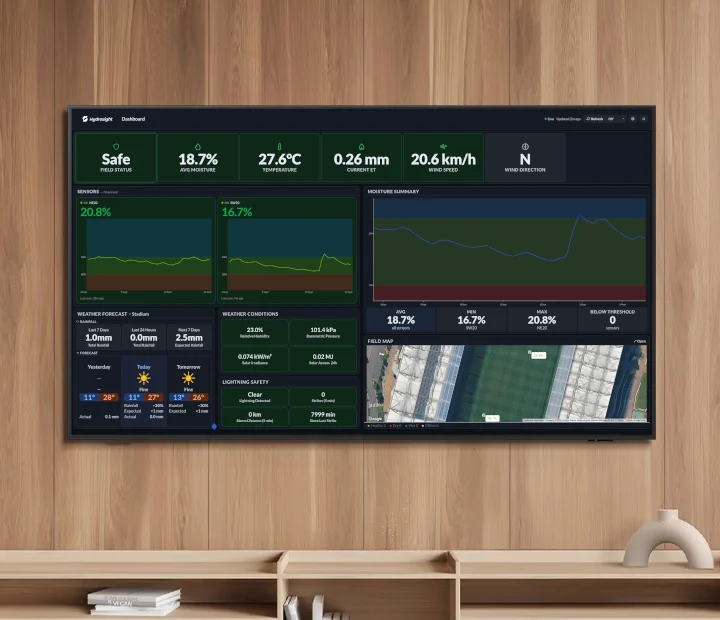
Whole-site visibility
The Dashboard brings the information needed to understand current site conditions into one operational view. Combine below-ground moisture readings from Hydrosight sensors with configured above-ground weather observations, forecasts and site context, so teams can see what needs attention without moving between separate screens.
Connected irrigation
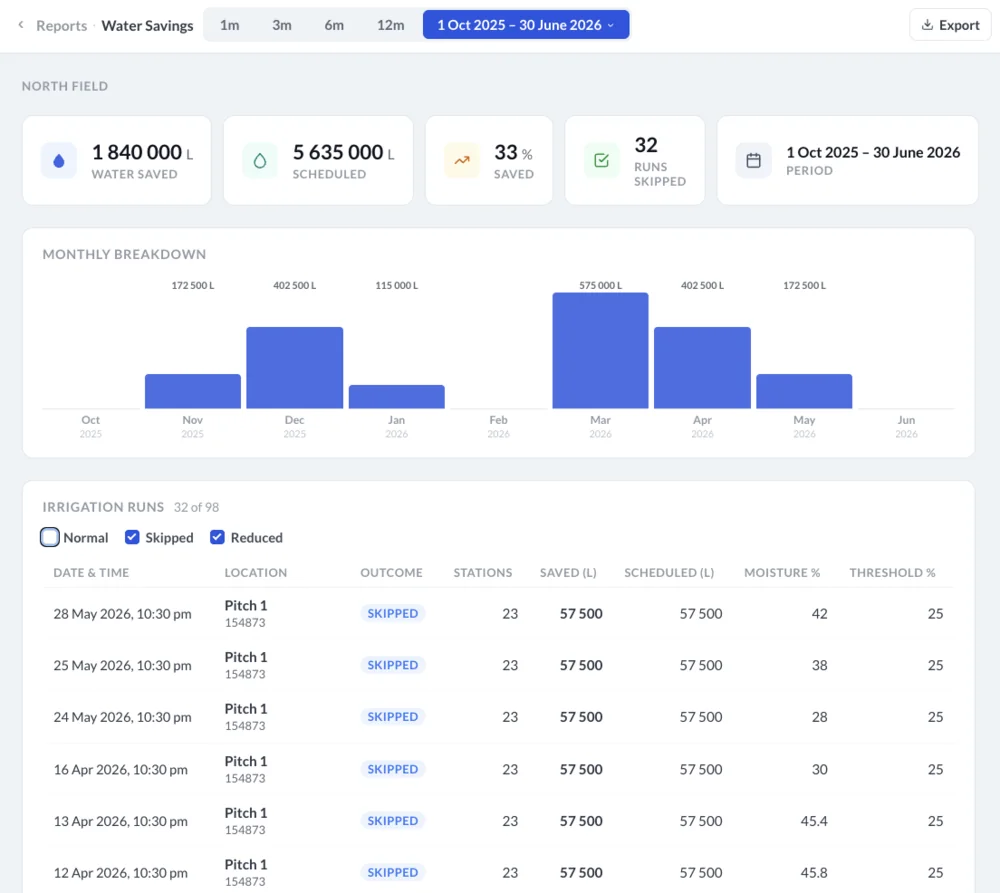
When a compatible irrigation controller is connected, Hydrosight records scheduled irrigation and whether each run was completed, skipped or reduced, with estimated water use updated as runs are reported. With soil-moisture thresholds and controller rules configured, supported systems can automatically reduce or skip a scheduled run when current soil conditions show an area does not need the full runtime.
Saved litres require configured runtime and flow-rate data. Automatic control depends on the supported controller and site configuration.
Supporting evidence
Hydrosight technical datasheet
Wireless Soil Monitor / IP68 rated
Integration options
Availability depends on the controller, weather station, account permissions and site configuration.
On selected Rain Bird systems, configured soil-moisture thresholds can reduce runtime or disable a scheduled program. Compatible Hunter Hydrawise systems can skip a scheduled run when soil is already wet.
Weather data from any source with a compatible API can be placed beside soil readings, with available forecast data shown for locations.
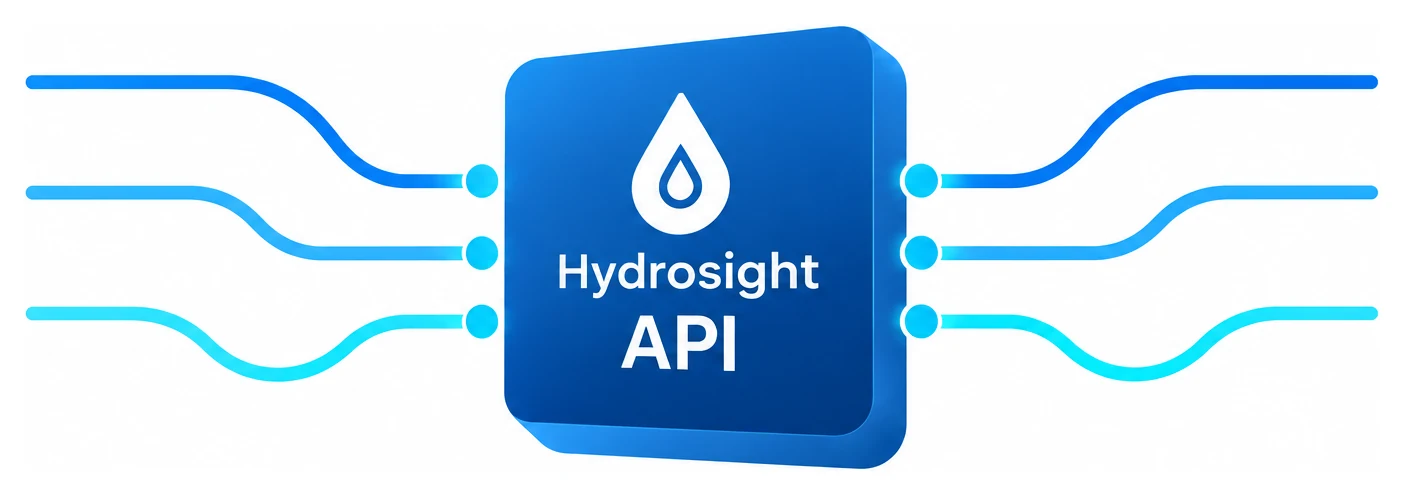
Use the Hydrosight API to bring permitted Hydrosight sensor, location and weather data into customer dashboards, reports or BMS workflows.
Hydrosight API
Generate an API key in the Portal, then retrieve permitted sensors and locations, current, historical and raw sensor readings, and available observational and forecast weather data.
Optional read-only connection
Connect ChatGPT to your Hydrosight account to ask supported questions about permitted soil conditions and available forecasts. Access is read-only, scoped to your locations and sensors, and follows your Portal permissions.